AI clipping · Real editor
SupaClip. Long videos, short clips.
Paste a YouTube link or upload a video. SupaClip transcribes it, picks the moments worth sharing, frames each one at 9:16 around the person speaking, and adds word-by-word captions. Then you open any clip in SupaClip Studio — a timeline editor — to trim, fix a word or change the look before you export.
- 30 free AI minutes / month
- No watermark on any plan
- 9:16 clips · export up to 4K


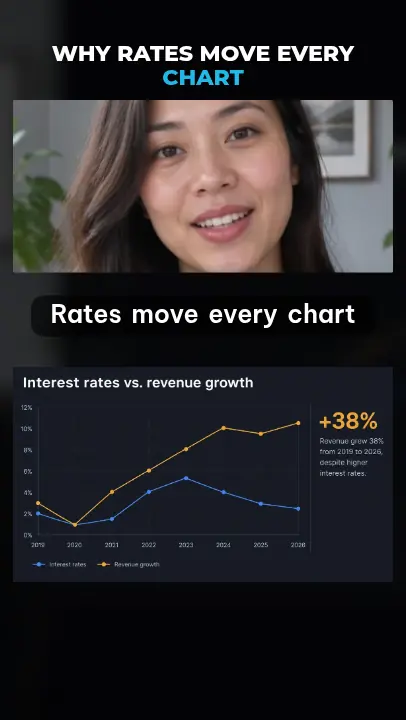
What it is
An AI clipper with a real editor behind it.
Most clipping tools stop at the AI's first draft. SupaClip gives you the draft and the editing room, so a clip that is almost right takes seconds to fix instead of starting over.
- Finds the strongest moments in videos from 5 seconds to 4 hours long.
- Frames every clip at 9:16 — around the speaker, the screen or the facecam, depending on the video type you pick.
- Adds captions timed to each word, in the caption style you choose.
- Can clean up the talk for you: cut ums and stumbles, weak lines and long silences — every cut can be undone.
Video types
Three kinds of video. Three framing rules.
You tell SupaClip what kind of video it is when you create the project. It never guesses — and the framing follows that choice.

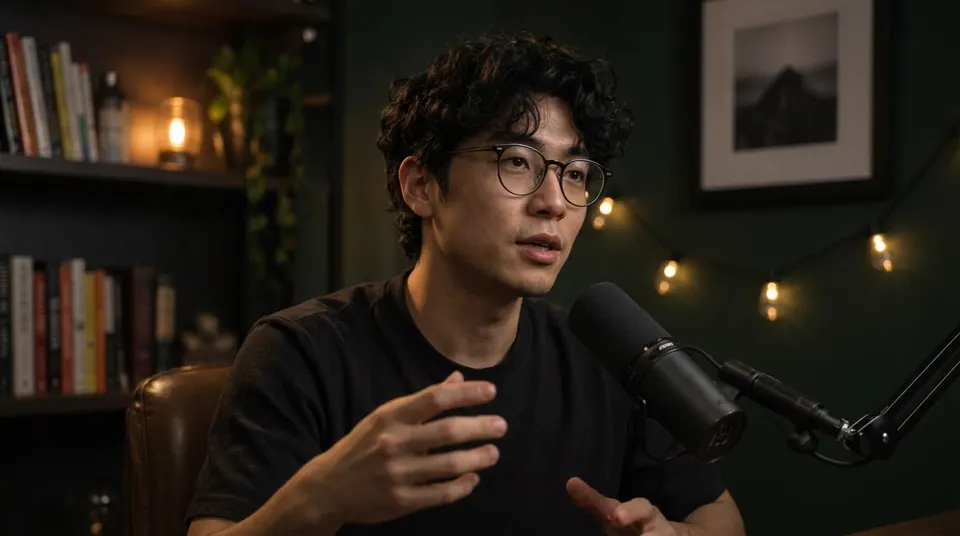
Podcasts & interviews
Keeps the person speaking in frame — one host or a two-person interview.
Learn more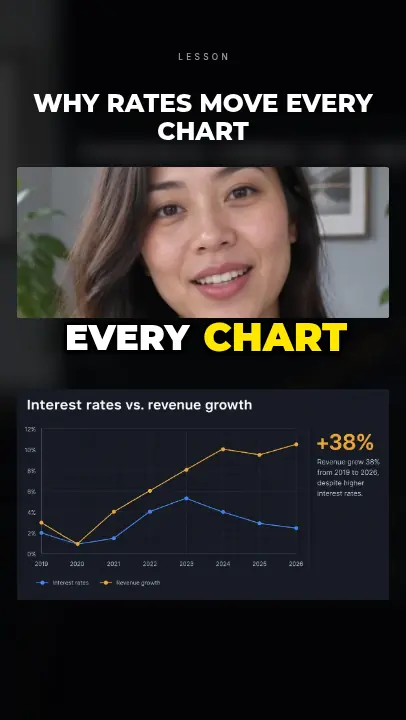
Lectures & screen
Finds the slide or screen and stacks it with the speaker so text stays readable.
Learn more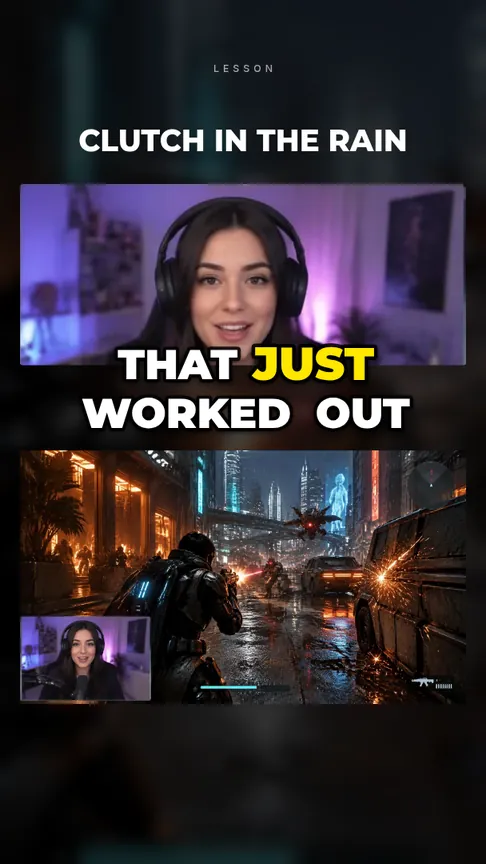
Stream & game
Finds the streamer cam and places it with the gameplay — action and reaction together.
Learn more
SupaClip Studio
Almost right? Fix it in Studio.
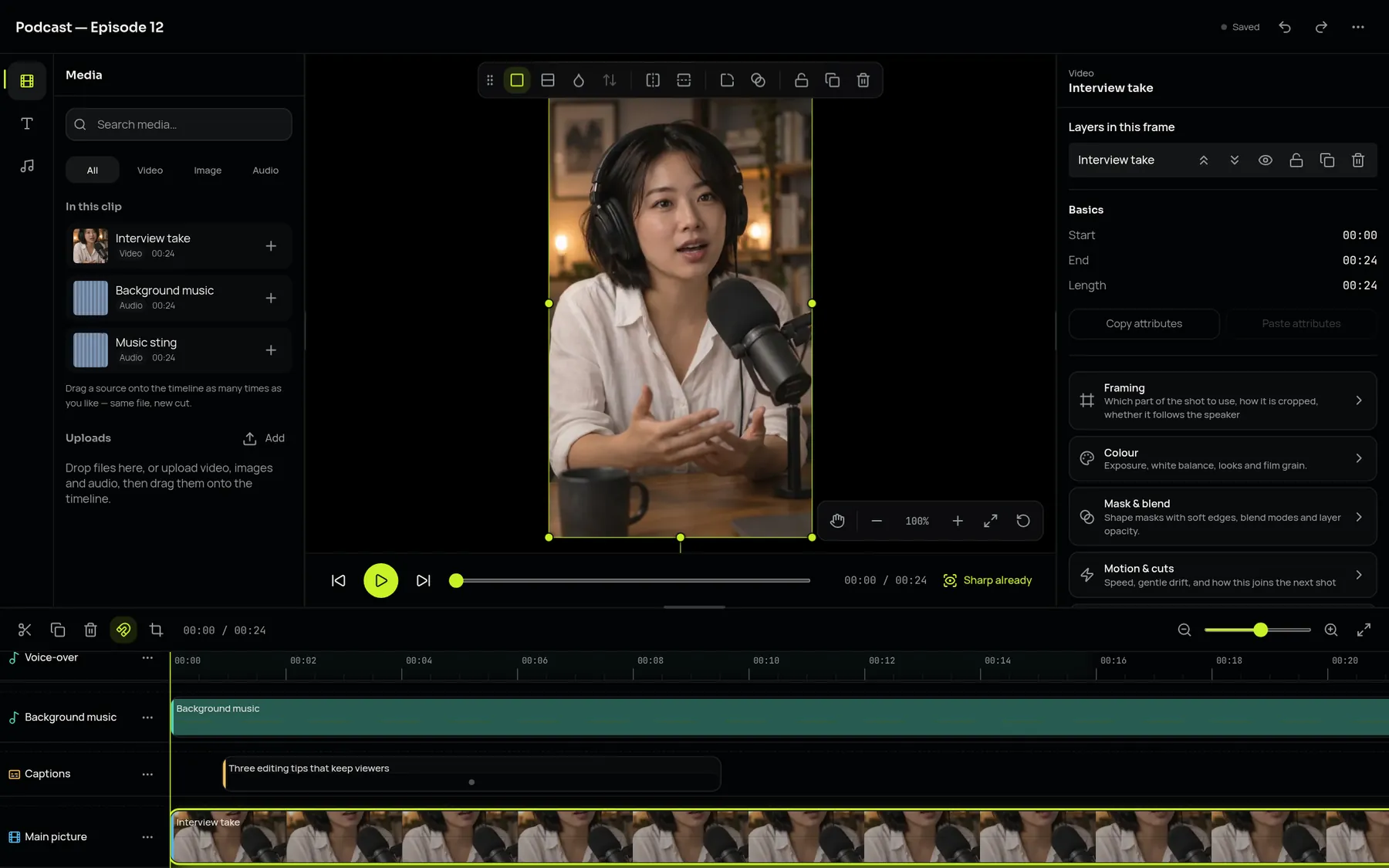
Every clip opens in a full editor: a timeline with picture, caption and music lanes, a 9:16 preview and a panel for framing, colour and motion.
- Trim, split and move shots on the timeline.
- Fix a caption word, or switch caption style and frame in one click.
- Undo and redo anything — your edits save as you go.
Templates
18 caption styles. 24 frame templates.
Pick a look when you create the project, change it later in Studio. Every preview below is drawn by the same engine that renders your clips.
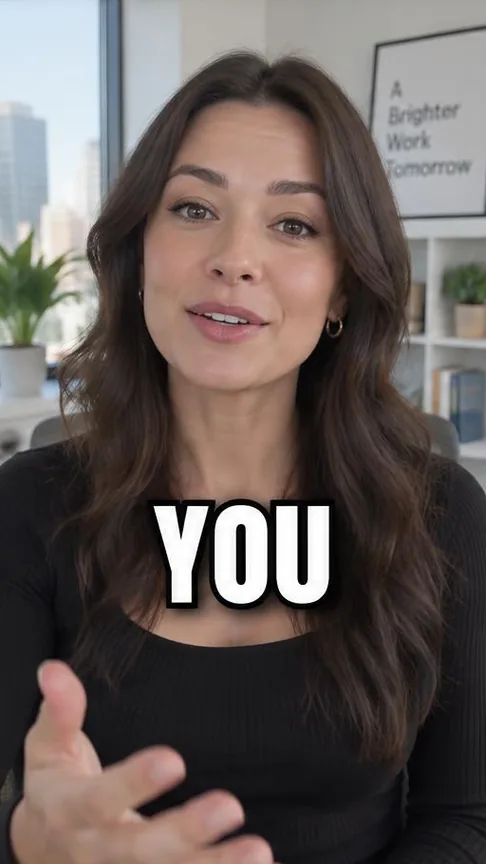
One word 
Color box 
Comic pop 
Word by word 
Pill glide 
Label rail
Pricing
Start free. Upgrade for more minutes and sharper exports.
FREE
Free
- 30 AI minutes / month
- Export up to 720p
PRO
Price shown after sign-in
- 150 AI minutes / month
- Export up to 1080p
STUDIO
Price shown after sign-in
- 300 AI minutes / month
- Export up to 4K
Questions
Good to know
What videos can I use?
A YouTube link, or a file you upload: MP4, MOV up to 2 GB, between 5 seconds and 4 hours long.
What do I get back?
A set of vertical 9:16 clips with captions and a frame. Watch them, keep the ones you like, edit any of them in Studio and export.
Is there a free plan?
Yes. Free includes 30 AI minutes a month and exports up to 720p, with no watermark. Studio, every template and all three video types are on every plan.
Can I change what the AI picked?
Yes. Every clip opens in SupaClip Studio, where you can trim it, fix caption words, change the style or frame, and undo any automatic cut.
My video already has subtitles burned in. Will that work?
It will process, but SupaClip cannot remove text that is part of the picture, so the two sets of captions may overlap. You can remove SupaClip's captions in Studio.
Turn your next long video into clips.
Start on the Free plan — 30 AI minutes a month, no watermark, no card needed to try.